Core Workout App: What to Look For + 8-Week Plan
Find a core workout app with guided no-equipment workouts, weekly structure, recovery, nutrition support, and honest waist-loss guidance.
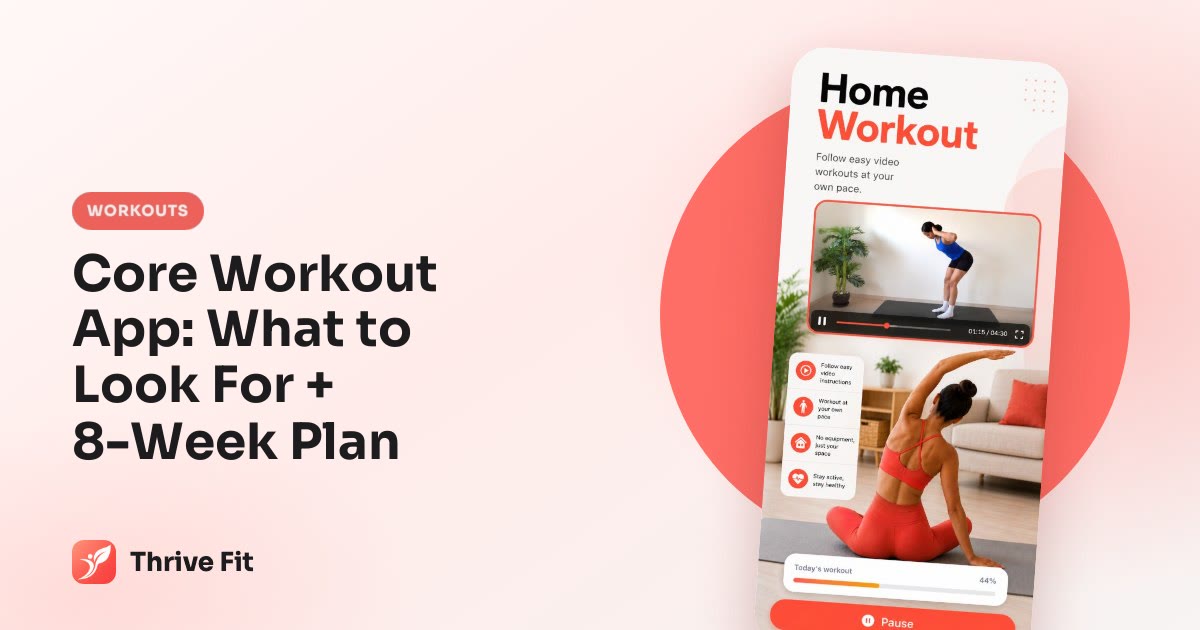
A good core workout app should give you more than random ab moves. Look for guided videos, timed work and rest, beginner options, weekly progression, recovery days, and clear nutrition support if your goal is a smaller waist. Core training can strengthen your midsection, but it cannot spot-reduce belly fat.
Use this guide as a buyer’s checklist and starter plan before you choose an app.
What a good core workout app should actually do
Most people searching for a core workout app do not need another list of crunches. They need a plan that tells them what to do this week, how hard to work, when to rest, and how to keep good form when the timer gets tough.
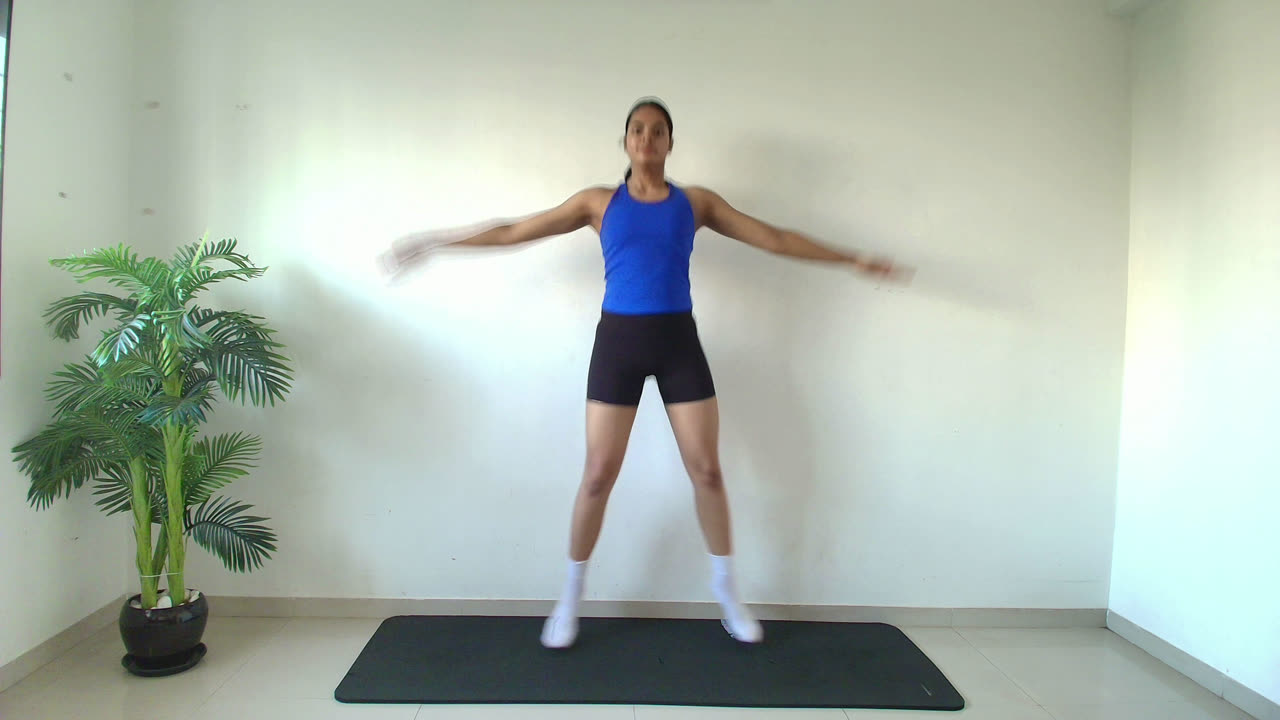
The non-negotiables are simple:
- Beginner-friendly sessions, not only advanced plank challenges.
- Trainer demonstrations for every move.
- Timed work and rest so you are not guessing.
- No-equipment options you can do at home.
- Weekly structure with rest days.
- Progression beyond doing more crunches.
- Simple tracking so you can see whether you are consistent.
A core app can help you build trunk strength, posture control, and training consistency. It cannot choose where your body loses fat. If you want a flatter waist, core work helps the muscles underneath, but fat loss still depends on overall calorie balance.
Thrive Fit is an iPhone and Android fitness and nutrition app with guided bodyweight circuits at home, trainer videos, timed work and rest, and no equipment required.
Core app checklist
- Shows video for every move.
- Uses timed work/rest so you are not guessing.
- Has beginner and harder options.
- Includes rest days.
- Progresses beyond crunches into planks, rotation, lower-body plus core, and full-body circuits.
- Has nutrition support if your goal is a smaller waist.
- Shows price clearly.
- Lets you cancel through the App Store or Google Play.
How Thrive Fit sets up a core plan
During setup, the user chooses a goal and enters height, weight, age, sex, and activity level. For core-focused training, the relevant journey is Core & Waist / Flat Belly, which runs for 8 weeks.
The workout style is home-based bodyweight circuit training. You do not need equipment. A trainer video shows every exercise, and the app uses timed work and rest so you can follow along without building the session yourself.
Related challenge options can support a core-focused plan without turning every day into hard ab work. These include Stability & Planks 7, Core Rotation 10, Gentle Core 14, Lower-Body & Core 14, Core Development 14, Total Body Foundations 21, and Complete Circuit Training 28. Challenges mix workout days and rest days.
Thrive Fit is a general wellness app, not a medical app.
Example setup flow
- Goal = Core & Waist / Flat Belly.
- Inputs = 165 cm, 75 kg, age 35, female, lightly active.
- App use pattern = 3 core-focused workout days, 1 lower-body plus core day, 2 lighter walking or rest days, 1 full rest day, adjusted by the selected journey and challenge schedule.
Try this 15-minute no-equipment core workout before you choose an app
Before you subscribe to anything, test whether you like this training style. This session uses timed intervals, short rests, clear form cues, and no equipment.

It trains your trunk muscles. It is not a belly-fat spot-reduction workout. If your lower back takes over, slow down or choose the easier option.
15-minute core circuit
Warm-up: 3 minutes
- Cat-cow x 6.
- Hip hinges x 10.
- Marching in place x 60 seconds.
- Dead bug practice x 6 per side.
Main circuit: 30 seconds work, 20 seconds rest, 2 rounds
| Move | Cue |
|---|---|
| Dead bug | Keep your lower back heavy on the floor. |
| Forearm plank | Ribs down, glutes lightly squeezed. |
| Glute bridge march | Keep hips level as each foot lifts. |
| Side plank left | Stack hips, use knees if needed. |
| Side plank right | Stay long through the neck. |
| Bird dog | Reach long without twisting. |
| Slow mountain climbers | Step slowly before you add speed. |
Cooldown: 2 minutes
- Child’s pose breathing.
- Hip flexor stretch.
- Gentle spinal rotations.
Beginner option: hold planks from knees and do mountain climbers slowly.
Harder option: use 40 seconds work and 15 seconds rest.
This is where video guidance matters. Many core moves look simple but become lower-back exercises when you rush, hold your breath, or lose rib and pelvis position.
An 8-week core app schedule that balances work and recovery
A real app-based core plan should show progress over time, not just give you a new ab finisher every day. Core muscles need recovery too. More daily ab work is not automatically better.
Use the 8-week Core & Waist / Flat Belly journey as the main structure, then layer optional challenges carefully.
Sample 8-week structure
- Weeks 1–2: 3 core sessions/week + 2 walks or gentle movement days + 2 rest days. Optional Gentle Core 14.
- Weeks 3–4: 3 core sessions + 1 lower-body and core session + 1 walk + 2 rest days. Optional Stability & Planks 7.
- Weeks 5–6: 3 core sessions + 1 Core Rotation-style session + 1 full-body circuit + 2 rest days.
- Weeks 7–8: 2 focused core sessions + 1 Core Development-style session + 1 full-body circuit + 1 walk + 2 rest days.
Example week
| Day | Plan |
|---|---|
| Monday | Core circuit |
| Tuesday | Walk |
| Wednesday | Lower-body plus core |
| Thursday | Rest |
| Friday | Core rotation |
| Saturday | Full-body circuit |
| Sunday | Rest |
If you want more core workout options by level, see this guide to a core workout at home.
Core form rules: how to know the app is helping, not just making you tired
Productive core effort feels like your abs, sides, glutes, and trunk are working. Sharp pain, numbness, worsening discomfort, or lower-back pinching is a stop signal.
Scale the move before you quit the plan. Reduce the range, shorten the interval, rest early, or use a knee-supported version.
Form checklist
- Plank = ribs down, glutes lightly squeezed, neck long, stop before hips sag.
- Dead bug = lower back stays heavy on the floor, move slowly, exhale as the leg extends.
- Side plank = elbow under shoulder, hips stacked, use knees if needed.
- Mountain climber = shoulders over wrists, slow steps before speed.
- Bird dog = reach long, do not twist the hips.
If form breaks before the timer ends, rest early and record that interval as your current level.
Safety note: if you have pain, are pregnant, recently had surgery, or have medical concerns, get personalized guidance from a qualified professional.
If your goal is a flatter waist, pair core training with a realistic calorie target
Core workouts strengthen the muscles under your midsection. Reducing belly fat requires overall fat loss through a sustainable calorie deficit. For a deeper explanation, read how to lose belly fat at home.
Thrive Fit’s nutrition setup uses Mifflin–St Jeor BMR multiplied by an activity factor, then adjusted by goal. For weight loss, the app uses about 300 kcal below maintenance, with calories kept between 1,200 and 3,500 kcal.
Protein is set at 1.8 g/kg for losing weight or building strength, or 1.5 g/kg for maintaining. Fat is 28% of calories. Carbohydrates make up the rest.
Meal Scan estimates calories, protein, carbs, and fat from a meal photo. The user can edit before logging. Estimates are useful, but not exact.
Illustrative target
35-year-old female, 165 cm, 75 kg, lightly active.
- BMR using Mifflin–St Jeor ≈ 1,445 kcal/day.
- Maintenance with 1.375 activity factor ≈ 1,987 kcal/day.
- Weight-loss target with 300 kcal deficit ≈ 1,687 kcal/day.
- Protein at 1.8 g/kg = 135 g/day.
- Fat at 28% of calories ≈ 52 g/day.
- Carbs = remaining calories, about 169 g/day.
Sample day around 1,680 kcal
- Breakfast: Greek yogurt, berries, oats, and chia ≈ 400 kcal.
- Lunch: tuna or tofu bean wrap with salad ≈ 450 kcal.
- Snack: cottage cheese or soy yogurt with fruit ≈ 250 kcal.
- Dinner: chicken or tempeh rice bowl with vegetables ≈ 580 kcal.
You can estimate your own starting point with the free calorie calculator. Free meal plan pages are also available at meal plans.
How to track progress without obsessing over abs every day
A good app should help you review trends, not stare at your stomach every morning. Weight, waist size, photos, soreness, sleep, and bloating can all change day to day.
Thrive Fit includes weight and BMI logs, progress photos, water tracking with a daily target around 32 ml per kg body weight, streaks, and achievement badges.
Two-week review checklist
- Completed at least 6 planned workouts in 14 days? If no, reduce session length before increasing difficulty.
- Took progress photos on day 1 and day 14 under similar lighting?
- Logged weight 2–4 times per week and looked at the trend, not one weigh-in?
- Hit protein target on at least 10 of 14 days?
- Drank roughly 32 ml/kg/day of water: for 75 kg, about 2.4 liters/day.
- If workouts feel easy for two sessions in a row, increase work interval by 5–10 seconds or choose a harder variation.
- If lower-back discomfort appears, regress the exercise and prioritize form.
Review every two weeks. If consistency is low, make the plan easier. If consistency is high and workouts feel controlled, progress gradually.
Price, fit, and who Thrive Fit is best for
Thrive Fit costs $7.99 per week or $39.99 per year through the App Store or Google Play. There is no free trial. Users can cancel any time in the store.
It is likely to suit people who want guided home bodyweight workouts, core-focused plans, simple nutrition targets, meal plans, Meal Scan, and habit tracking in one app.
It may not be the right fit if you want gym equipment programming, heavy barbell strength training, medical treatment, or a free trial before subscribing.
Free website resources can reduce friction before you decide. The calorie calculator, BMI calculator, and free meal plan pages are available without the app.
Cost decision example
- Weekly plan = $7.99/week.
- Annual plan = $39.99/year.
- If someone expects to use the app for more than about 5 weeks in a year, the annual price is lower than paying weekly for that long.
Quick fit test: choose Thrive Fit if you want no-equipment guided core and full-body workouts plus nutrition tools. Skip it if you specifically need gym-based lifting plans, a medical program, or a free trial.
FAQ
What is the best core workout app for beginners?
The best option is one that shows every exercise on video, uses timed work and rest, includes easier variations, and gives you a weekly plan with rest days. Beginners should not have to guess what to do next.
Can a core workout app help me get a flat stomach?
It can strengthen your core and help you train consistently. It cannot spot-reduce belly fat. A flatter waist usually requires overall fat loss from a realistic calorie deficit, enough protein, walking, and strength training.
How often should I do core workouts in an app?
For most beginners, 2–4 core-focused sessions per week is enough. Leave rest or lighter days between harder sessions, especially if your abs, hips, or lower back feel tired.
Do I need equipment for a core workout app?
No. A good core app should include no-equipment bodyweight workouts you can do at home. A mat can make floor moves more comfortable, but it is not required.
How much does Thrive Fit cost, and is there a free trial?
Thrive Fit costs $7.99 per week or $39.99 per year through the App Store or Google Play. There is no free trial, and users can cancel any time in the store.